
For clients
NutriPlaner App
Your food diary for nutrition counseling – keep it on your phone and send it to your nutrition professional with one tap. Free, no sign-up and no ads.
Your invitation
If the app is installed, tap “Open in the app”. The invitation is then applied.
App not installed yet? Install the free app, then tap the link in your email again.
Or copy the link and paste it in the app under “Paste invitation link”.
For iPhone and iPad on the App Store. For Android as a direct download – Google Play is coming soon.
How it works
In three steps
Receive an invitation
Your nutrition professional sends you a link by email or shows you a QR code.Keep your diary
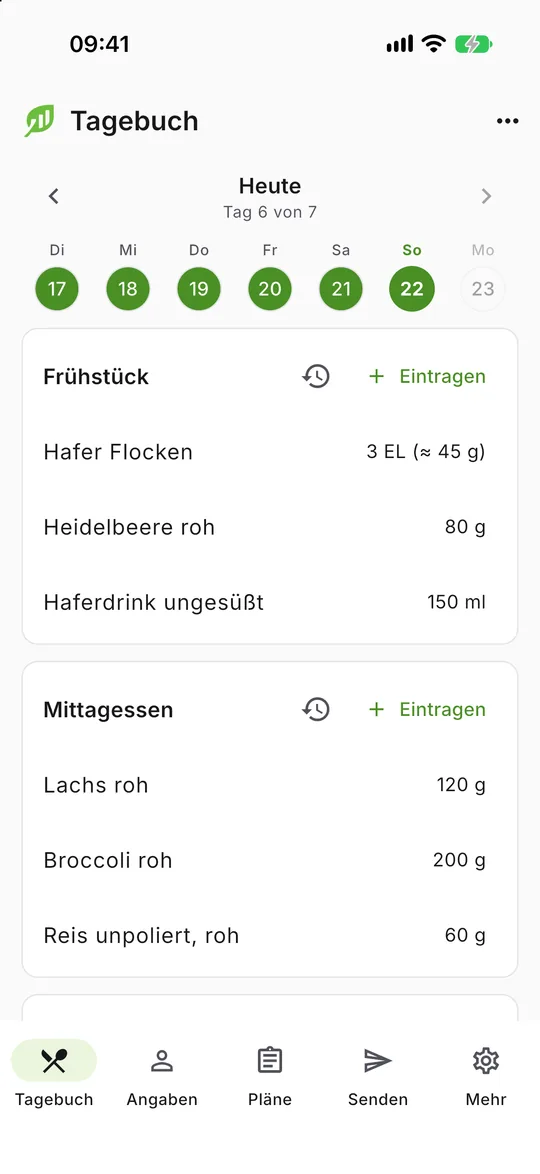
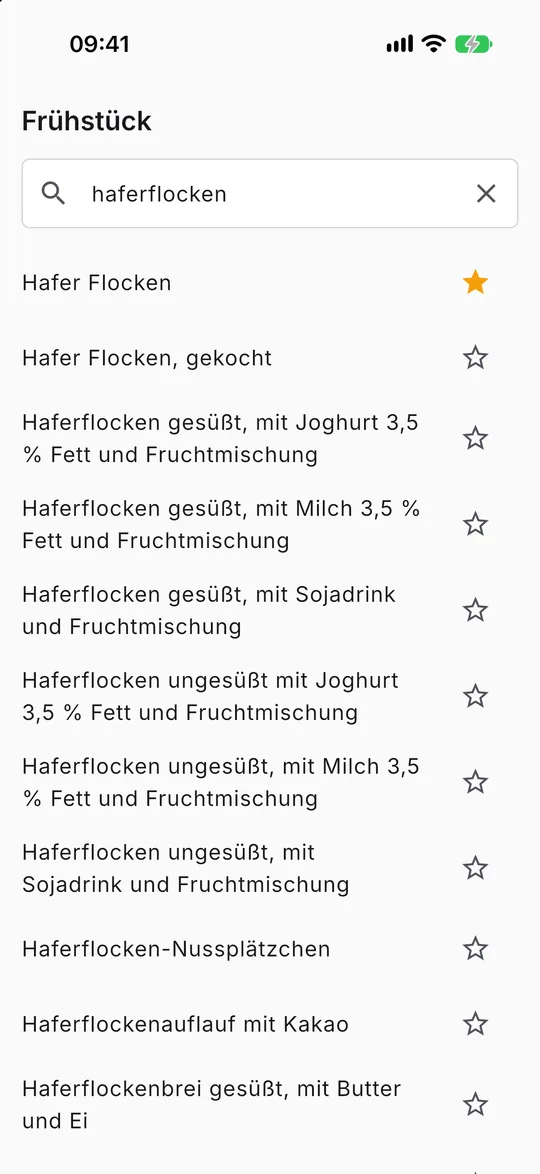
Enter what you eat and drink – search for foods, enter amounts in grams or in household measures such as tablespoons and cups.Send
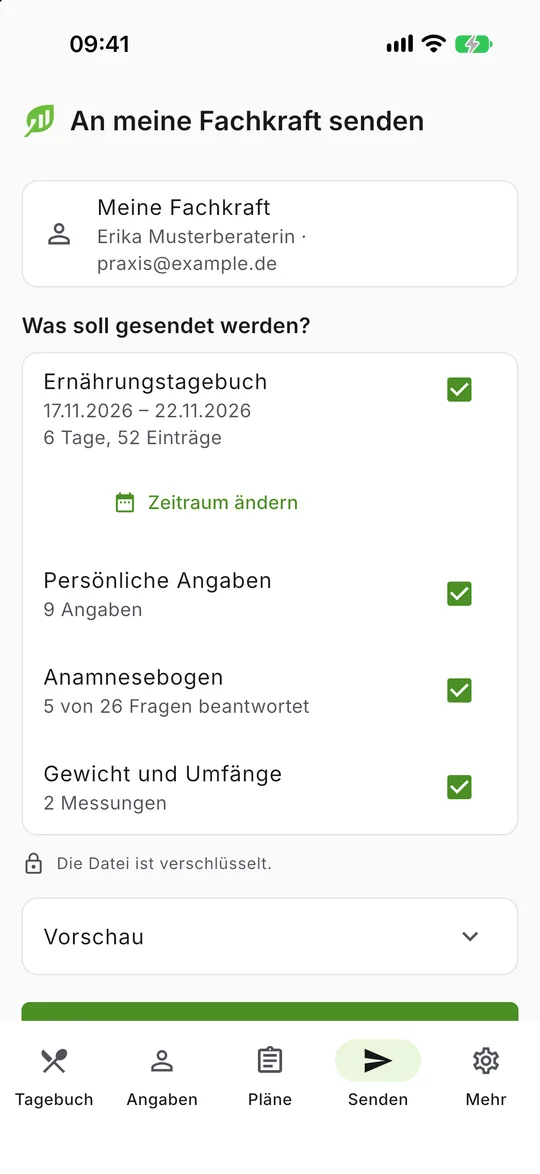
With one tap, everything goes to your professional by encrypted email.A closer look
What the app looks like
Features
What the app can do
- Food diary for breakfast, lunch, dinner and snacks – with a large food database and your own entries.
- Information on request: personal data, health questionnaire, weight and measurements – only if your professional asks for them.
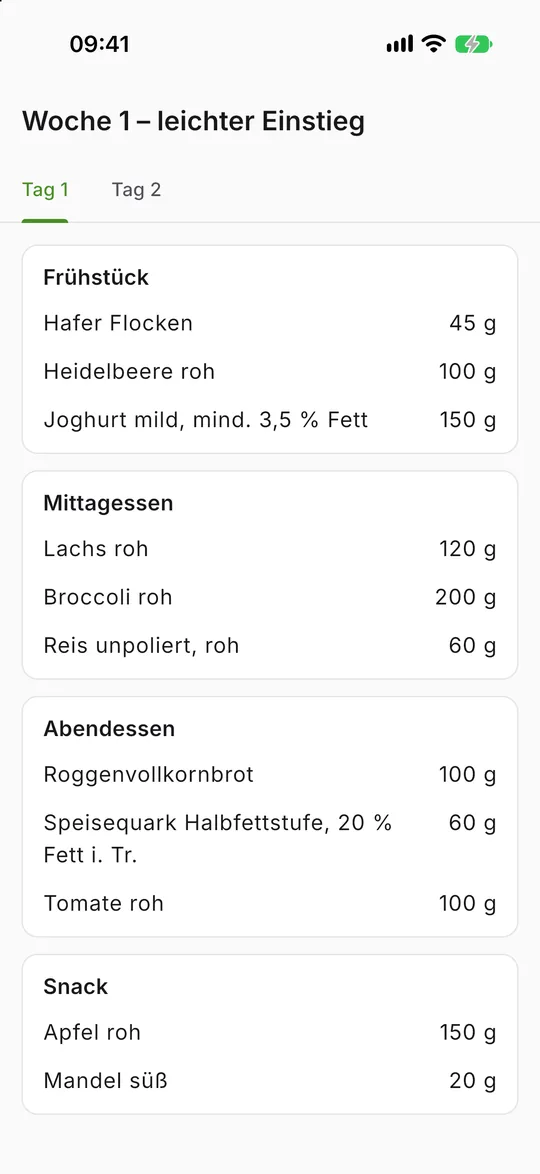
- Plans from your professional: view meal and exercise plans directly in the app.
- English and German – you choose the language in the app.
Privacy
Your data stays with you
- No sign-up, no account, no ads.
- Only on your phone: your entries leave the device only when you send them yourself.
- Encrypted: only your professional can open the file you send.
- Free for clients.
Android
Install the Android app
Until the app is available on Google Play, install it directly from this page. It takes one minute.
The file comes directly from nutriplaner.de and is signed by us. Once the app is available on Google Play, you can install it there and receive updates automatically.
For nutrition professionals
Invite clients – directly from NutriPlaner
Invite your clients directly from the client record – by email or QR code – and choose which information is requested. You import diary entries, information and measurements into the client record and send your plans back the same way. An active NutriPlaner license is required.